Summary
- Physician practices often spend 4-8 hours per month just building the initial draft of their schedules, a significant administrative drain.
- There are five distinct categories of scheduling tools, each designed to solve a different problem, from patient booking to internal provider coordination.
- Most tools focus on what happens after a schedule is made (viewing or filling it), not the complex task of creating a fair, optimized physician schedule from scratch.
- If your core problem is the time and complexity of building fair call, rotation, and clinic schedules, a managed service like Scheduling Wizard is designed to solve it for you.
You built your practice around medicine — not spreadsheets. Yet somehow, a surprising chunk of your week gets swallowed by the scheduling puzzle: who's on call Thursday, who swapped last weekend, whether the fairness math still holds up across the quarter. According to physicians on forums like r/hospitalist, it takes anywhere from 4 to 8 hours a month just to produce the first draft of a schedule — and that's before the swaps, last-minute changes, and "can you just carry it in your head" fairness tracking that adds up all month long.
The problem isn't that no tools exist. The problem is that the market is flooded with solutions that solve different problems — and choosing the wrong category means paying for something that doesn't actually fix your pain.
This guide breaks down the five fundamental categories of private practice physician scheduling tools available in 2026. For each, we cover the ideal use case, real limitations, and approximate cost tier — so you can make a strategic decision, not just pick the most-advertised product.
1. Managed Scheduling Automation Services
Best for: Complex multi-provider practices that want to stop building schedules entirely.
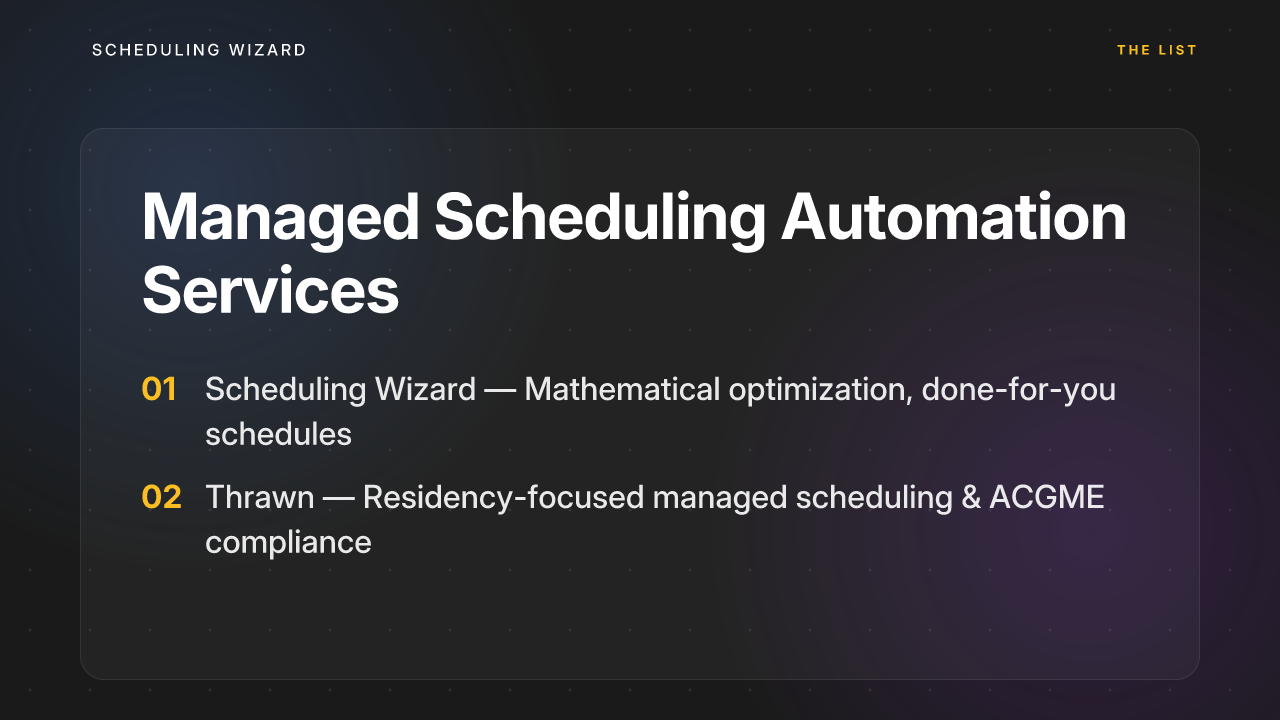
This is the most differentiated category on this list and the one most practices overlook. A managed scheduling automation service isn't software you log into — it's a done-for-you service where you submit your constraints, coverage requirements, physician preferences, and fairness rules, and receive a complete, optimized schedule as a finished output. No learning curve. No configuration. No more carrying the logic in your head.
Scheduling Wizard
Scheduling Wizard is the standout option in this category and the one purpose-built for the complexity that defines physician scheduling. A YC-backed (W26) managed service founded in 2024, Scheduling Wizard uses a proprietary mathematical optimization engine to generate complete Block, Clinic, Call, and Attending schedules. You submit your constraints — vacation requests, elective preferences, coverage minimums, fairness parameters — and receive a finished, conflict-free schedule delivered as an Excel spreadsheet, ready to upload to whatever viewing tool your practice already uses (Amion, QGenda, etc.).
This matters because it directly addresses the single biggest pain in physician scheduling: not just the initial build, but — as one hospitalist put it — "swapping duties last minute and maintaining fairness over months... that's what really adds up." Scheduling Wizard handles that mathematical complexity so no one on your team has to.
Why it's different from software: Tools like QGenda are powerful, but as physicians note, "getting QG to actually do what you want isn't easy, and learning how it works is very complicated." Scheduling Wizard removes that burden entirely. There is no software to master, no annual re-onboarding when your senior scheduler leaves, and no institutional knowledge lost between turnover cycles. The optimization engine guarantees fairness and coverage — it doesn't just help you try to achieve it manually.
Key capabilities include:
- Call schedule generation with fairness optimization
- Block/rotation and clinic schedule coordination
- Resident and physician preference integration (vacation, electives, conferences)
- Conflict detection and coverage optimization (no gaps, no overstaffing)
- Rapid re-optimization for unplanned absences
Ideal use case: Private practices with 10+ providers, complex call structures, or multi-site scheduling needs where the administrative and cognitive burden of manual scheduling has become a real operational cost.
Key limitations: Less suited for practices that want to make constant real-time manual micro-adjustments themselves. This is a service model, not a self-serve dashboard.
Approximate cost tier: Premium — private practice engagements typically start at $10,000+ annually, which is meaningful but often justified when you calculate what physician or administrator time spent on scheduling actually costs.
Thrawn
Thrawn is another key player in the managed scheduling space, specializing in residency programs. Like Scheduling Wizard, it operates on a done-for-you model. Programs submit their constraints, call requirements, clinic assignments, and ACGME rules, and Thrawn's optimization engine delivers a complete, compliant schedule. This makes it a strong alternative for programs looking for a completely hands-off scheduling solution.
Key capabilities include:
- Block, call, and clinic schedule generation for residency programs
- Advanced optimization to ensure ACGME compliance
- "Done-for-you" service model: submit constraints, receive finished schedules
- Handles complex fairness rules and physician preferences
- Delivers schedules ready for import into existing systems
Ideal use case: Residency programs of any size that need to ensure complex ACGME requirements are met without dedicating internal staff time to manual schedule building. It's particularly well-suited for programs that value a hands-off, service-based approach.
Key limitations: Similar to other managed services, it's not a self-serve tool for those who prefer to have direct, real-time control over the schedule-building process. The focus is on residency programs, so it may be less tailored for private practice groups with different scheduling paradigms.
Approximate cost tier: Premium — pricing is comparable to other managed services, representing a significant investment that replaces the internal costs of manual scheduling.

2. Self-Service Scheduling Software
Best for: Solo practitioners and small single-specialty practices with straightforward booking needs.
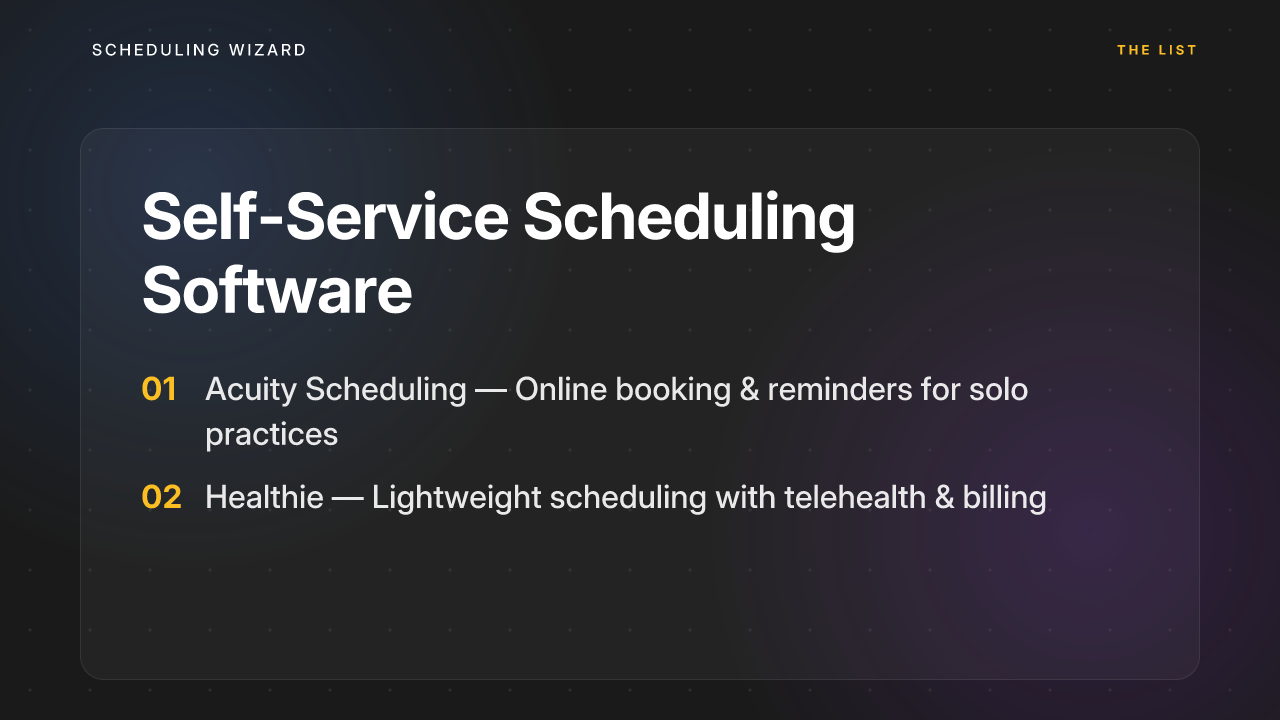
Self-service scheduling software is the most accessible category: SaaS tools you buy, configure, and manage yourself. They're designed to help practices set up online appointment booking, automated reminders, and patient intake forms without requiring a large IT team.
Acuity Scheduling
Acuity Scheduling is one of the most popular tools in this tier. It allows practices to offer 24/7 online booking, send automated appointment reminders to reduce no-shows, and collect intake information before the visit. It's intuitive to set up and works well for straightforward, appointment-based scheduling flows.
Cost: Basic plans start around $16/month, with HIPAA-compliant plans running $49–$61/month — making it one of the most affordable entry points in the market.
Key limitations: Acuity has no native EHR integration and limited multi-provider support, which means it breaks down quickly as scheduling complexity increases. It works well for a solo dermatologist booking cosmetic consults; it's not the right fit for a hospitalist group managing call shifts, swaps, and fairness tracking across 20 physicians.
Healthie
Healthie is another self-service option popular among smaller practices, particularly in the behavioral health and wellness space. It includes scheduling alongside telehealth, billing, and charting in a lightweight package. Still, like most self-service tools, it's built around patient appointment booking — not the complex internal logic of provider schedule optimization.
Ideal use case: A solo or small-group practice with simple, repeatable appointment types and no complex call or rotation scheduling requirements.
Key limitations: As noted across research in this space, self-service tools often have "limited workflow customization for more complex scheduling needs". If your scheduling involves variable shift lengths (8h, 24h, full weeks), fairness balancing, or multi-site coordination, you'll outgrow these tools quickly.
Approximate cost tier: Low — $15 to $100/month depending on the plan and HIPAA compliance tier.
3. EHR-Native Schedulers
Best for: Mid-to-large practices or hospital-affiliated groups already deeply embedded in an EHR ecosystem.
EHR-native scheduling modules are built directly into systems like Epic, Cerner, or Meditech — or designed as deeply integrated companions to them. The core value proposition is a single source of truth: patient data, appointments, clinical notes, and billing all live in one system, reducing the risk of data silos and manual data re-entry.
Luma Health
Luma Health is one of the strongest examples in this category. It offers bidirectional integration with 70+ EHR systems and uses AI to automate patient outreach, reminders, and scheduling — all flowing directly into the practice's existing clinical workflow. If your team already lives inside an EHR all day, Luma Health extends that environment rather than adding another platform to manage.
Cost: Approximately $250/month, though pricing scales with practice size and EHR complexity.
Key limitations: EHR-native schedulers are excellent at managing patient appointment flow, but they're not built to optimize provider schedules. Features like call fairness balancing, shift swap tracking, or complex rotation logic simply aren't in scope for most EHR scheduling modules. Customization typically requires expensive vendor involvement or internal IT resources — neither of which is quick or cheap.
Ideal use case: Practices where data integration and a unified patient record are the primary concern, and where provider schedule complexity is relatively low.
Approximate cost tier: High — often bundled within broader EHR licensing, which for full enterprise systems can run into the hundreds of thousands annually.

4. Patient Self-Scheduling Portals
Best for: High-volume practices focused on improving patient access and cutting front-desk call volume.
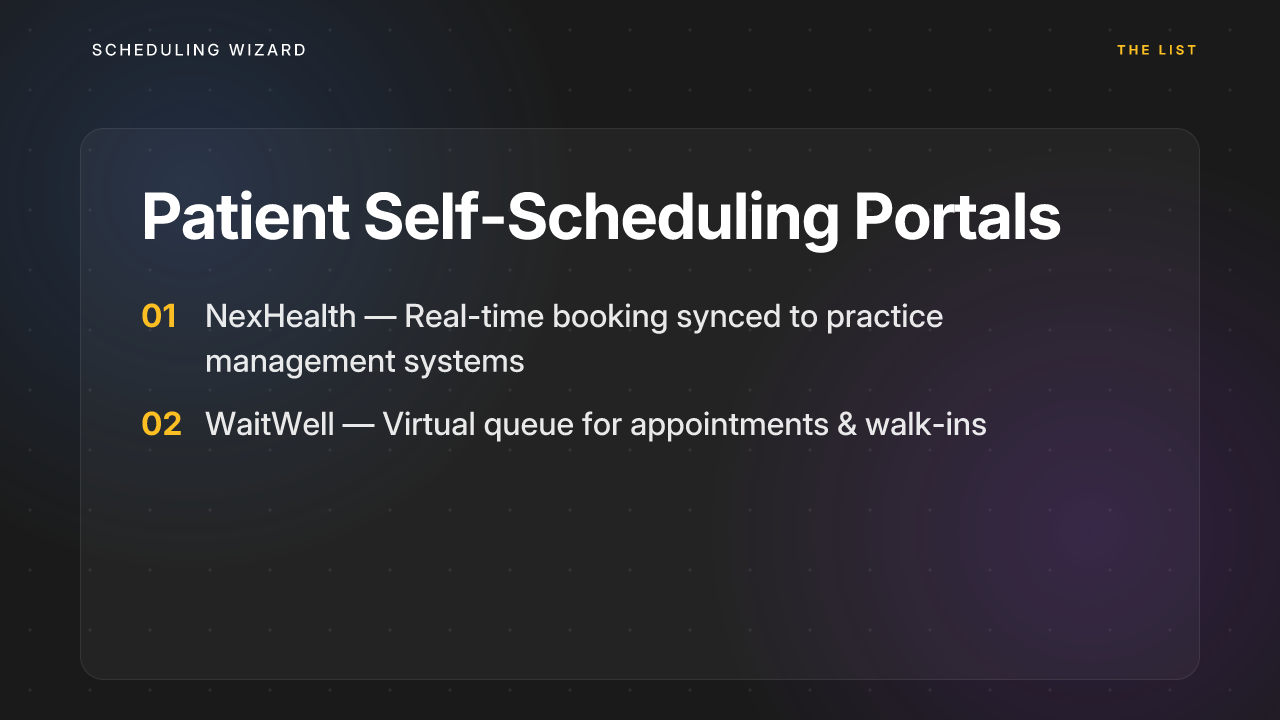
Patient self-scheduling portals are laser-focused on one outcome: giving patients the ability to book, reschedule, and manage their own appointments online. They're not designed to help you build physician schedules — they're designed to fill slots in a schedule you already have. The downstream effect is a significant reduction in inbound phone volume and often a measurable drop in no-show rates thanks to automated reminders and digital waitlists.
NexHealth
NexHealth is built around real-time synchronization with practice management systems, allowing patients to book directly into the clinic's live calendar. It's particularly strong in dental and specialty medical practices, and its patient communication tools (confirmations, reminders, recall campaigns) are well-regarded.
Key limitations: NexHealth "relies on integration with existing practice management systems" — which means if your PMS integration is incomplete or your underlying schedule is a mess, the portal reflects that mess. Patient-facing tools can only surface what the back-end makes available.
WaitWell
WaitWell takes a slightly different angle: it manages both booked appointments and walk-in patients through a virtual queue, sending real-time SMS updates to reduce no-shows and improve patient flow. It's a good fit for urgent care settings or any practice with significant walk-in volume.
Cost: WaitWell starts at approximately $29/month per location — one of the more accessible price points in the category.
Key limitations for both: These tools solve the patient-access side of scheduling. They do nothing to address how the physician schedule is built in the first place. If your core problem is internal — fairness, call distribution, multi-provider coordination — a patient portal won't help.
Ideal use case: Practices with high appointment volume and a reliable underlying provider schedule, looking to reduce administrative workload on front-desk staff.
Approximate cost tier: Low to moderate — $29 to several hundred dollars per month, depending on volume and integration complexity.
5. Remote Medical Scheduler Staffing Services
Best for: Practices that want to fully outsource the patient booking function to a dedicated, HIPAA-trained team.
This category replaces (or augments) your front desk with a remote team of trained scheduling agents. These aren't software tools — they're human-powered services where third-party professionals handle inbound and outbound appointment calls, backfill same-day cancellations, and work to maximize schedule density on your behalf.
T2 Group Flex Scheduling
T2 Group is a leading example in this space. Their Flex Scheduling service provides dedicated, HIPAA-trained agents who work under credentialed EHR access — integrating directly with Epic, Cerner/Oracle Health, Meditech, and other major systems. They handle everything from booking new patients to same-day cancellation backfill and no-show recovery, and report against KPIs like schedule density and no-show rates.
Ideal use case: Practices with high call volume or patient scheduling complexity that want to eliminate the front-desk bottleneck entirely without building out internal headcount.
Key limitations: Remote staffing services solve the patient booking workflow — they don't build or optimize the underlying physician schedule. They're also an ongoing operational expense equivalent to hiring staff, not a one-time software cost. Quality and responsiveness can vary between vendors, so due diligence on SLA terms matters.
Approximate cost tier: High — typically priced per agent or per hour, with costs that can quickly exceed $40,000–$80,000+ annually for meaningful coverage.
How to Choose: A Quick Decision Framework
Before comparing features across vendors, identify which core problem you're actually trying to solve:
| Your primary pain | Best-fit category |
|---|---|
| Building complex physician schedules is eating 4–8 hours/month | Managed Scheduling Automation |
| Simple online booking for patients | Self-Service Software |
| Unified patient data across EHR and scheduling | EHR-Native Scheduler |
| Reducing phone calls and no-shows | Patient Self-Scheduling Portal |
| Fully outsourcing patient booking operations | Remote Staffing Service |
The mistake most practices make is defaulting to whichever tool they've heard of, rather than starting with the problem they're actually trying to solve. A patient portal doesn't fix a broken call schedule. Self-service software doesn't eliminate the cognitive burden of fairness tracking. And an EHR module won't negotiate your physicians' preferences into a mathematically balanced rotation.
If the creation of the physician schedule itself — the call splits, the clinic blocks, the swap tracking, the fairness math — is what's draining your team, that's the specific problem only a managed scheduling automation service is designed to solve. Everything else in this list solves what happens after the schedule exists.
For private practice physician scheduling at that level of complexity, Scheduling Wizard is the only service that delivers the schedule as a finished, optimized output — so your team can stop building and start executing.
Frequently Asked Questions
What is the main difference between Scheduling Wizard and software like QGenda or Amion?
Scheduling Wizard is a done-for-you service that builds your complex physician schedule for you, while tools like QGenda and Amion are software platforms used for viewing and managing a schedule that has already been created. We generate a mathematically optimized, fair, and conflict-free schedule as a finished Excel file. You then upload that perfect schedule into your existing platform for your team's daily use. We replace the hours of manual work spent building the schedule, not the tool your team uses to see it.
How does a managed scheduling service handle ACGME compliance for my specific specialty?
A managed scheduling service like Scheduling Wizard handles ACGME compliance by building your specialty's specific rules directly into its optimization engine. During onboarding, we collect all your program's requirements, including subspecialty-specific ACGME rules (e.g., surgical duty hour limits, clinic requirements for internal medicine). Our engine then generates a schedule that is guaranteed to be compliant from the start, saving you the manual effort and risk of errors.
How will the 2026 ACGME rule changes affect our physician scheduling?
The 2026 ACGME rule changes will make scheduling significantly more complex by counting home call towards the 80-hour weekly maximum and enforcing a 24-hour hard cap on continuous work. These new constraints mean manual scheduling will be even more prone to errors and compliance violations. An optimization service can automatically account for these new rules, ensuring your schedules remain fair and compliant without adding administrative burden.
What happens when we have last-minute changes, like sick calls?
When last-minute changes occur, a managed service can rapidly re-optimize the schedule to fill the gap while maintaining fairness and coverage. Instead of scrambling to find a replacement and manually recalculating fairness, you simply notify your scheduling service. We run the new constraints through our optimization engine and deliver an updated, balanced schedule that addresses the unplanned absence with minimal disruption.
Who is the ideal user for a managed scheduling automation service?
The ideal user is any medical group, private practice, or residency program that finds the process of building, balancing, and maintaining physician schedules to be a significant administrative burden. This service is best for groups with 10+ providers, complex call or rotation structures, multi-site coverage needs, or strict ACGME compliance requirements. If you're spending more than a few hours each month on scheduling spreadsheets, you're a perfect fit.
Why is Scheduling Wizard a service instead of self-serve software?
Scheduling Wizard is a service because building a truly optimized physician schedule is a complex mathematical problem, not a simple configuration task. Self-serve software often has a steep learning curve and still requires you to carry the complex scheduling logic in your head. By providing a "done-for-you" service, we remove the burden of learning new software and eliminate the risk of human error in schedule creation, ensuring fairness and coverage are mathematically guaranteed.
How are physician preferences and vacation requests handled?
All physician preferences, including vacation requests, conference dates, and specific call/shift preferences, are submitted as inputs before the schedule is generated. Our optimization engine treats these requests as hard constraints, building the most equitable and efficient schedule possible around them. This ensures individual needs are met while maintaining fair distribution of duties across the entire team for the scheduling period.